Homelab · Guide
Offline Wikipedia on the home server
All of English Wikipedia, with pictures, is 119 GB. Put it on a server at home and it keeps working when the internet does not.
October 2026 · 5 min read
All of English Wikipedia, pictures included, is 119 GB. That fits on the server in my basement with room to spare, and once it is there it keeps working when the internet does not. I added it in September as part of a plan for long outages, alongside the generator and a shelf of paper manuals.
What this gets you
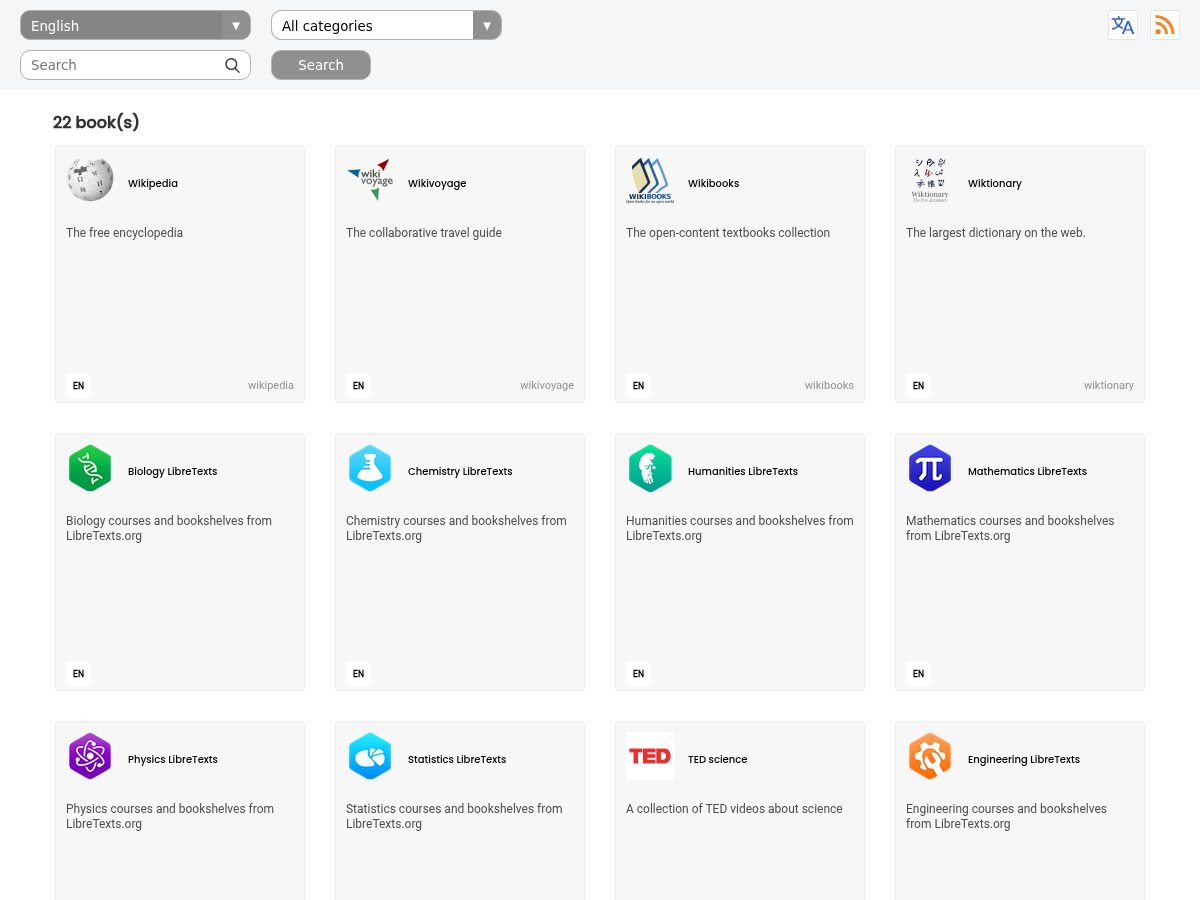
A website on your home network with Wikipedia, a dictionary, iFixit's repair guides, a medical encyclopedia, travel guides, open textbooks and some science video. Any phone or laptop in the house opens it in a browser, with no internet connection at all.
What you need
- An always-on machine with Docker. A home server, a NAS, a spare mini PC. The server software is light; the disk is the cost.
- Disk space. My set is about 207 GB. Updates need room for two copies of the biggest book while the new one downloads, so plan on roughly 240 GB free if Wikipedia is on your list.
- Kiwix. Kiwix packages a whole website as one
.zimfile, andkiwix-serveturns a folder of them into a website.
The steps
Pick the books
Browse what exists in the Kiwix library. I skipped Khan Academy (168 GB, last built in 2023) and Project Gutenberg (206 GB). Mine:
Book Size Wikipedia (full, with images) 119 GB CrashCourse (video) 21.5 GB TED science (video) 14.8 GB LibreTexts: nine subjects about 12 GB Math and Physics Stack Exchange 8.6 GB Wiktionary (no pictures) 8.5 GB Wikisource 8.0 GB Wikibooks 5.8 GB iFixit 3.3 GB Wikiversity 2.3 GB MDWiki (medical) 2.1 GB Wikivoyage 1.0 GB PhET simulations 0.1 GB Download and verify
Every file on download.kiwix.org has a
.sha256beside it. Check it. A 119 GB download that is quietly corrupt fails months later, at the moment you need it.Run the server
Use the official image,
ghcr.io/kiwix/kiwix-serve, with your books folder mounted read-only and'*.zim'as the argument. Keep the quotes (see below).Keep it current
I run a small script on the 2nd of every month. For each book it finds the newest file, skips it if I already have it, downloads to a
.partfile that can resume, checks the SHA-256, swaps it into place, deletes the older version, and restarts the container once at the end if anything changed. It also skips a book if the disk is too full and refuses to run twice at once.
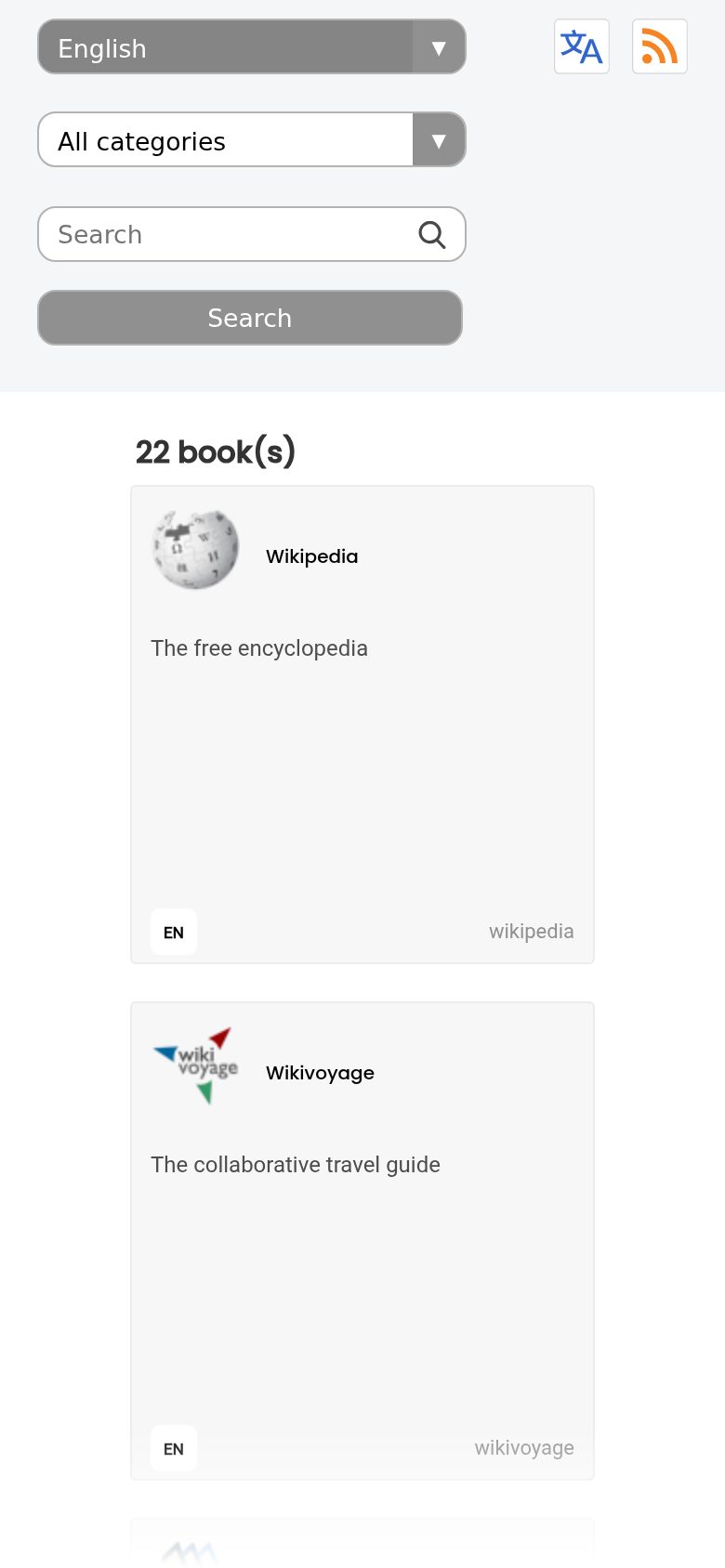 Library
 Wikipedia
 iFixit
 MDWiki
 Wikivoyage
The parts that will bite you
- Quote the glob. Pass
'*.zim', quotes included, so the glob is expanded inside the container, where the books are, instead of by the host's shell. - The full Wikipedia is published about every six months.Most months the updater finds nothing new for it, and that is normal.
- The container name matters. My updater restarts the container by name, and the install template's default name is different. Under that name the restart is skipped, and the server keeps serving files the updater has already deleted. I renamed the container to match.
- On Unraid, the flash drive cannot run scripts directly. It is FAT32 with no execute bit, so call the script with
bash. Scheduled jobs go in a.cronfile under the dynamix plugin folder, with no user field; a user field makes the job fail without an error. - There is no login. Keep it on your home network. Anyone who can reach it can read it, which is fine for Wikipedia and a reason to keep it off the internet.
How to check it worked
Open it on your phone over home wifi and search for something. Then unplug the modem and search again.